
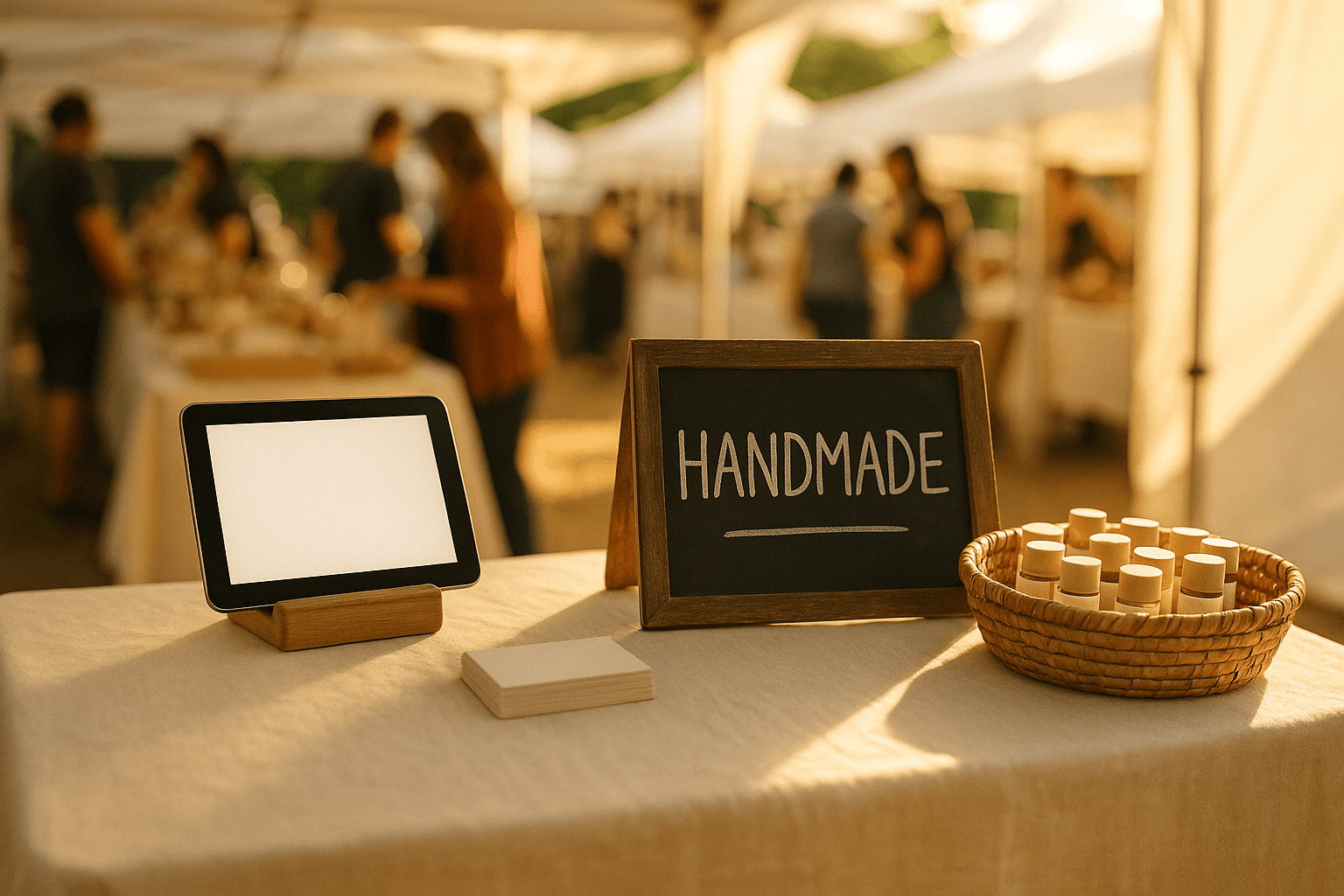
You had a great show. Solid sales. Good conversations. People loved your stuff. Then Monday hits, and you realize you have no way to reach any of those people again.
This is the cycle most craft show vendors live in: start from zero at every single event. No repeat customer pipeline. No way to announce new products. No pre-show buzz for the next event. Just hope that the same people walk by your booth again six months from now.
The fix is simple but wildly underused — build an email list at every show you do. Not a massive list. Not a complicated system. Just a reliable way to turn one-time booth visitors into people you can actually contact.
Here is the complete playbook for collecting emails at craft fairs, including what actually works, what conversion rates to expect, and exactly what to send after the show.
Why Your Email List Is Your Most Valuable Booth Asset
Your inventory sells once. Your email list sells forever.
Consider the math. If you do 20 shows a year and collect 30 emails per show, that is 600 contacts after year one. With even a modest 2% conversion rate on email campaigns, that is 12 additional sales per send — without paying for another booth fee, without loading your car at 5 AM, without standing in the sun for eight hours.
Email marketing consistently delivers $36-42 in revenue for every $1 spent, according to industry benchmarks. No other marketing channel comes close for small product businesses.
The vendors who build a list gain three specific advantages:
- Pre-show revenue. Email your list before an event and people show up looking for you specifically.
- Off-season sales. Sell online between shows instead of waiting for the next event.
- Product validation. Ask your list what they want before you spend weeks making it.
Three Email Capture Methods Compared
Not all signup methods perform equally at craft shows. Here is how the three most common approaches stack up based on real vendor data.
Method comparison at a glance
| Method | Avg. Conversion Rate | Setup Cost | Speed Per Signup | Best For |
|---|---|---|---|---|
| Paper signup sheet | 2-5% | Under $5 | 30-45 seconds | Low-budget, first-time vendors |
| QR code to form | 8-12% | Free-$20 | 10-15 seconds | Mid-volume booths |
| Tablet at checkout | 10-15% | $50-300 (tablet) | 5-10 seconds | High-traffic booths |
Paper signup sheet
The clipboard-and-pen method still works, but barely. Conversion sits around 2-5% of booth visitors because it requires effort, people worry about legibility, and there is friction in the handoff. You also have to manually enter every name into your email tool after the show, which most vendors never actually do.
If you go this route, keep the sheet simple: first name, email, and one checkbox for consent. Skip phone number and mailing address — every extra field drops completion rates.
QR code to online form
Print a QR code that links to a Google Form, Typeform, or your email platform's hosted signup page. Visitors scan with their phone and type on their own keyboard. No legibility issues, no manual data entry, and the contact hits your list instantly.
Conversion rates jump to 8-12% because the friction is lower. The key is placement — put the QR code on a small standing sign at eye level, not flat on the table where nobody sees it.
Pro tip: Use a URL shortener with tracking behind your QR code so you can see exactly how many scans each show generates.
Tablet or device at checkout
The highest-converting method is capturing email during the transaction itself. When someone is already buying, asking "Can I grab your email for the receipt?" converts at 10-15%. It feels natural, not pushy.
You can use a dedicated tablet with a simple form, or — better yet — use an ordering system that collects customer information as part of the checkout flow. This is where tools like Shipyie earn their keep: every order automatically captures the customer's name and email, so you never have to ask separately or remember to do it during a rush.
What Incentive Actually Converts Best
Offering something in exchange for an email dramatically increases signups. But not all incentives are equal.
Incentive performance comparison
| Incentive | Signup Lift | Cost to You | Perceived Value |
|---|---|---|---|
| 10% off next purchase | +20-30% | Margin hit on future sale | Medium |
| Raffle entry (free product) | +40-60% | One product per show | High |
| VIP early access to new drops | +30-50% | Zero | High |
| Free digital download | +25-40% | Zero after creation | Medium |
Raffle entries consistently win. A physical product sitting on display with a sign that says "Drop your email to win this" creates a visible, tangible reason to sign up. It costs you one product per show but can triple your email capture rate.
VIP early access runs a close second and costs you nothing. This works especially well if you release new products regularly — people genuinely want first dibs.
Discounts perform the worst relative to their cost because 10% off feels abstract at a craft show. Save percentage-off offers for your email campaigns after the event.
How to run a booth raffle that actually builds your list
- Choose one of your mid-range products as the prize. Display it prominently.
- Place a sign next to it: "Win this [product]. Scan to enter — we will announce the winner Sunday night."
- Link the QR code to a form that collects name and email with a consent checkbox.
- Draw the winner that evening and email everyone: winner announcement plus a thank-you discount for non-winners.
That single raffle email typically sees 60-70% open rates because people are checking if they won. It is the highest-engagement email you will ever send.
Getting Contacts Into Your Email Tool Same-Day
The biggest mistake vendors make is waiting. Leads go cold fast. If you collect emails on Saturday and do not send anything until the following Wednesday, half those people have already forgotten who you are.
Here is how to get contacts into your email platform the same day, depending on your capture method.
If you used paper signup sheets:
- Download a scanner app. Photograph the sheet and use OCR to extract text.
- Manually verify each email (OCR misreads are common) and paste into a CSV.
- Import the CSV into Mailchimp, Klaviyo, or Flodesk.
- Realistically, this takes 30-60 minutes for 30 contacts.
If you used a QR code to an online form:
- Export responses as CSV from Google Forms or Typeform.
- Import into your email platform, or set up an automation to sync automatically.
- Total time: 5-10 minutes.
If you used a tablet or digital checkout tool:
- If your ordering tool integrates with your email platform, contacts sync automatically.
- With Shipyie, customer data from orders is already stored and exportable — no double entry, no OCR, no Sunday night data wrangling.
Quick email platform comparison for craft vendors
| Platform | Free Tier | Best Feature | Monthly Cost (1,000 contacts) |
|---|---|---|---|
| Mailchimp | Up to 500 contacts | Beginner-friendly templates | $13/mo |
| Klaviyo | Up to 250 contacts | E-commerce integrations | $20/mo |
| Flodesk | No free tier | Unlimited emails, flat rate | $38/mo |
| MailerLite | Up to 1,000 contacts | Generous free plan | Free |
For most craft vendors starting out, MailerLite's free tier or Mailchimp's free plan is more than enough.
CAN-SPAM Basics: Stay Legal in Three Steps
Email marketing laws are not complicated, but ignoring them can cost you up to $51,744 per violation. Here is what you actually need to do.
-
Get clear consent. Your signup form needs to make it obvious they are joining an email list. A sentence like "Join our email list for updates and exclusive offers" is sufficient. Pre-checked boxes do not count as consent.
-
Include an unsubscribe link in every email. Every email platform adds this automatically. Do not remove it or make it hard to find.
-
Include your physical address. CAN-SPAM requires a valid postal address in every commercial email. A PO Box works fine if you do not want to use your home address.
The First Three Emails After a Show
You collected the emails. They are in your platform. Now what? Here is the exact three-email sequence that turns show contacts into repeat buyers.
Email 1: Send within 24 hours of the show
Subject line: Great meeting you at [Show Name]
Thank them for stopping by. Mention one specific detail about the show to jog their memory. Include a photo of your booth setup. If you ran a raffle, announce the winner here.
Optional: Include a small thank-you offer — 10% off your online shop, valid for 7 days.
Expected open rate: 50-70%
Email 2: Send 3-4 days after the show
Subject line: The story behind [your bestseller or brand]
Tell your origin story or the story behind your most popular product. This is relationship-building, not selling. People bought from a person at the show — remind them why they liked you.
Expected open rate: 35-45%
Email 3: Send 7-10 days after the show
Subject line: New [products/items] dropping this week
Share what you are working on or what is coming next. If you have another show coming up, mention it. If you have an online shop, feature 2-3 items.
Expected open rate: 30-40%
After these three emails, move contacts into your regular email cadence — whether that is weekly, biweekly, or monthly. The key is consistency. An email list you never email is just a spreadsheet.
Real Numbers: What to Expect in Your First Year
Setting realistic expectations keeps you from giving up too early.
- Shows per year: 15-25 for active vendors
- Booth visitors per show: 100-300 depending on event size
- Email capture rate (QR/tablet with incentive): 10-15%
- Emails collected per show: 15-40
- Year one list size: 200-800 contacts
- Average email open rate (craft/handmade niche): 35-45%
- Average click rate: 3-5%
- Revenue per email sent (established list): $0.15-0.50
These numbers are not glamorous, but they compound. By year two, you have 500-1,500 contacts. By year three, your email list alone can generate enough pre-orders to cover booth fees before you even show up.
Stop Starting Over at Every Show
Every show you do without collecting emails is revenue you are leaving on the table — not just today, but for every future sale that contact could have made.
The system does not need to be complicated. A QR code, a decent incentive, and three follow-up emails will put you ahead of 90% of vendors who are still relying on foot traffic alone.
If you want to skip the manual work entirely, Shipyie captures customer emails automatically with every order — no clipboard, no QR code, no post-show data entry. Start your 14-day free trial and walk into your next show with a lead capture system already built in.
Your next customer is someone you have already met. Make sure you can reach them.