
Why Checkout Speed Matters
At a convention, time is your most limited resource. Every minute a customer spends waiting in your checkout line is a minute another customer walks past your booth without stopping. Industry estimates suggest that 30% of interested customers walk away when they see a line of more than 3 people.
Speed is not about rushing customers. It is about removing unnecessary friction so the buying experience feels effortless.
1. Use Kiosk Mode for Product Selection
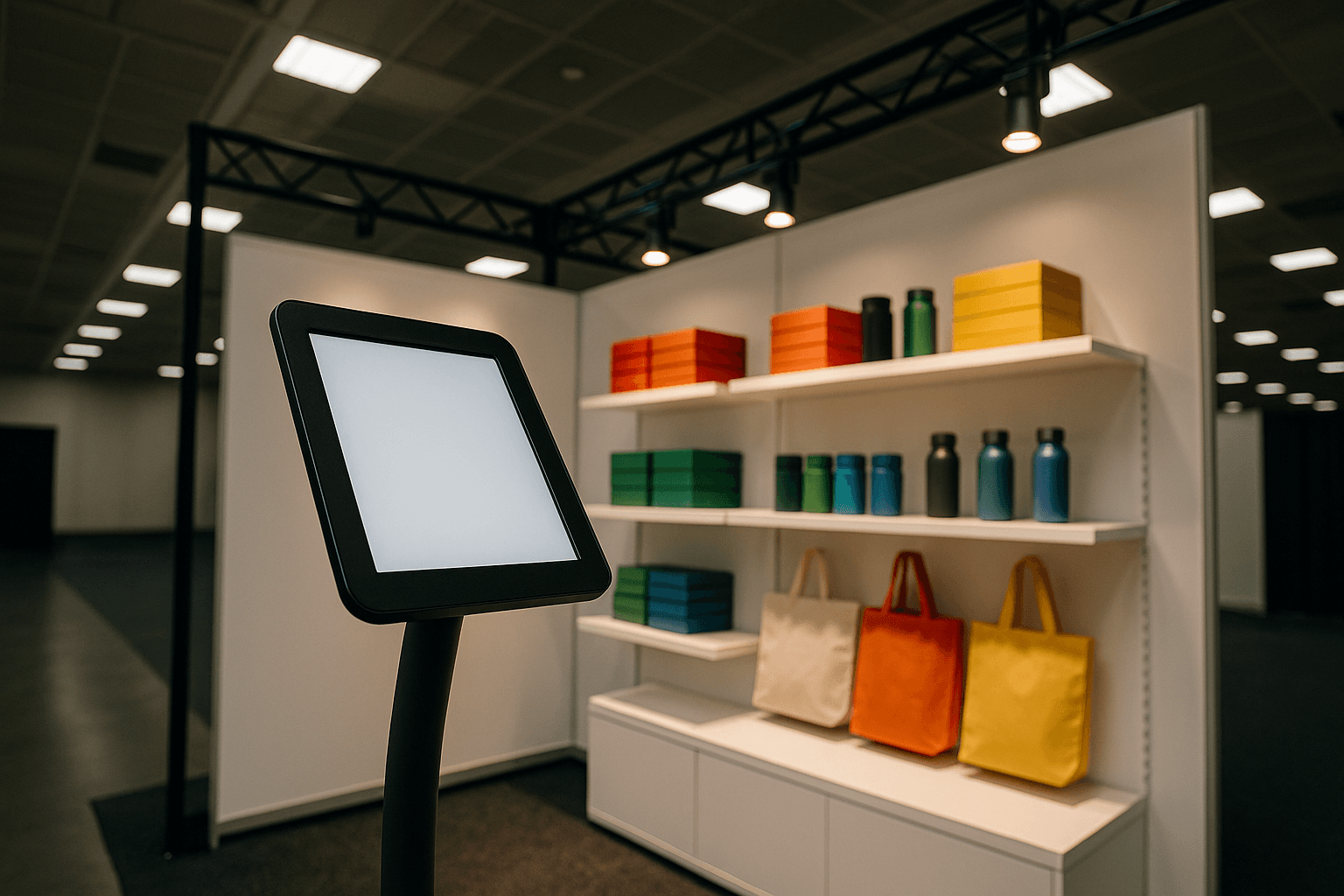
Instead of verbally describing products and writing down selections, use a touch-screen kiosk interface:
- Large product cards with images, names, and prices
- Simple tap-to-add with quantity adjustment buttons
- Running total visible at all times
- Staff can help the next customer while the current one browses
A well-designed kiosk reduces product selection from 3-5 minutes of back-and-forth to 30-60 seconds of self-directed browsing.
2. Let Customers Enter Their Own Address via QR Code
The single biggest time sink at checkout is address collection. Replace the clipboard-and-paper routine:
- Staff generates a QR code on the kiosk
- Customer scans with their phone (no app needed)
- Customer enters their address on a validated form
- Address syncs back to the order in real time
This runs in parallel — while one customer enters their address on their phone, your staff helps the next person.
3. Pre-Load Your Product Catalog
Before the convention:
- Enter all products with images, prices, weights, and dimensions
- Set up stock quantities so you can track inventory in real time
- Organize products in the order customers will see them
- Test the entire flow end to end
When the booth opens, everything is ready. No fumbling with setup during the morning rush.
4. Streamline the Order Flow
Every extra step in checkout costs you customers. Audit your flow:
- Remove unnecessary fields — do you really need a fax number?
- Use smart defaults — US shipping, standard speed, etc.
- One-tap confirmation — customer confirms, order is placed
- Instant receipt — SMS confirmation sent automatically
The ideal checkout should have no more than 3 screens: select products, confirm address, done.
5. Send SMS Confirmations Automatically
After the order is placed, do not waste time writing receipts or making promises about shipping timelines:
- Automatic SMS goes to the customer immediately with order summary
- Tracking SMS goes out when you ship
- No manual follow-up required
This saves 1-2 minutes per customer and builds trust immediately.
Putting It All Together
| Traditional Checkout | Optimized Checkout |
|---|---|
| 5-8 minutes per customer | 1-2 minutes per customer |
| Paper forms and manual data entry | Digital ordering with QR addresses |
| Staff handles one customer at a time | Staff overlaps with multiple customers |
| Post-show data entry required | Orders ready to ship immediately |
| Customer waits for receipt | Instant SMS confirmation |
The Bottom Line
Convention booth checkout should not feel like a DMV visit. With the right tools — kiosk mode, QR address collection, pre-loaded catalogs, streamlined flows, and automated confirmations — you can serve 3-4x more customers per hour while giving each one a better experience.