
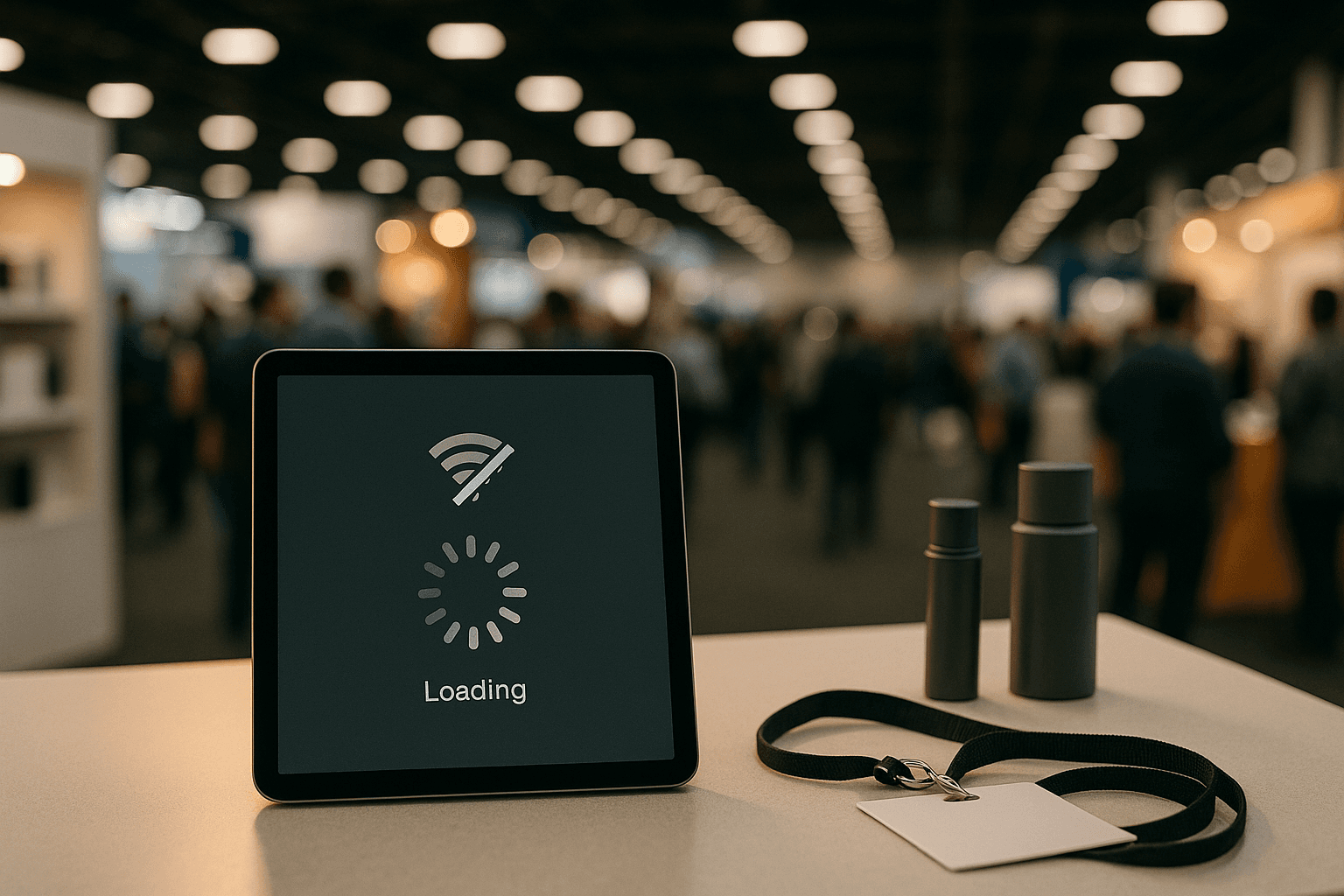
Convention WiFi Is a Known Problem
Ask any convention vendor about WiFi at shows and you will hear the same stories:
- Overloaded networks — 50,000 attendees sharing a convention center's WiFi means speeds drop to unusable levels
- Dead zones — Large metal structures, concrete walls, and crowded halls create areas with no signal
- Intermittent drops — Connection comes and goes unpredictably throughout the day
- Paid tiers — Some venues charge extra for "reliable" WiFi that is still not reliable
If your ordering app requires constant internet access, you are guaranteed to lose orders at the worst possible time — during a rush.
What "Offline-First" Actually Means
An offline-first app is designed to work without the internet as its primary mode. It stores data locally first, then syncs to the cloud when a connection is available. This is different from "offline capable" apps that try to connect first and fall back to offline mode when they fail.
How it works in practice:
- Products are cached locally — Your product catalog loads from the device's local storage, not from a server
- Orders queue on the device — When a customer places an order, it saves to local storage immediately
- Background sync — When WiFi or cellular is available, queued orders sync to the cloud automatically
- Conflict resolution — If the same data changes on multiple devices, the system handles it gracefully
Why This Matters for Convention Vendors
Never lose an order
A customer hands you their payment and selects their products. At that exact moment, the WiFi drops. With a cloud-dependent app, you are stuck — the order cannot save. With an offline-first app, the order saves locally and syncs later. The customer never knows there was an issue.
No checkout delays
Cloud-dependent apps show loading spinners when the network is slow. At a convention, "slow" is normal. Offline-first apps respond instantly because they read from local storage.
Full-day reliability
You can work an entire 8-hour convention day without WiFi and sync everything at the end when you get back to your hotel. Nothing is lost.
What to Look For
When evaluating booth apps, test these offline scenarios:
- Airplane mode test — Turn on airplane mode and try to create an order. Does it work?
- Slow connection test — Use your phone's hotspot on a weak signal. Is the app usable?
- Sync verification — After working offline, reconnect. Do all orders appear in the dashboard?
- Queue visibility — Can you see how many orders are waiting to sync?
The Bottom Line
Convention WiFi will never be reliable. Your ordering system should not depend on it. Offline-first architecture is not a nice-to-have — it is a requirement for any app that runs on a convention floor. The vendors who accept this reality and choose the right tools never lose orders to connectivity issues.